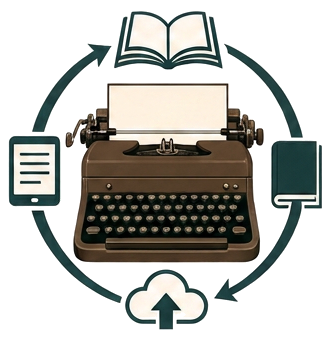
Publishing workstation
Release your inner Shakespeare. Be the author you’ve always wanted to be — write your book, and let the platform worry about the publishing rules and formatting.
No typewriter, pen, or quill required. Just speak or type your raw ideas — PubMaster Pro’s AI helps you shape them into a real book, express yourself beyond your own vocabulary, restructure chapters, and polish every sentence. Design a stunning print-ready front and back cover from a simple prompt. Margins, spine width, bleed, safe zones, and platform specs are handled automatically. Whether you’re targeting Amazon KDP, Kindle, or another platform, preflight tells you exactly what stands between your draft and a bookstore-ready PDF. AI amplifies your voice; you stay the author.
AI assists with titles, outlines and rewrites — every suggestion needs your explicit approval before it touches the manuscript.
See your book
Put your name on a cover before you write a word
Type your title and your name. The cover is composed with your book's real trim geometry and vector lettering — the same layout the printed cover PDF uses. The cover design here is one of 20 quick mockups; your real artwork is generated inside the project.
Free, and nothing is generated yet — creating your account carries this title, name and cover layout straight into project setup. The book cover chosen here is just a quick mockup. However, you will be able to use a preferred AI image generator to create your custom book covers with each book project.
 Your BookTitleYour Name
6 × 9 in paperback · lettering stays vector
Structured manuscripts
Front matter, chapters and back matter as a real document model — not one enormous text field.
Rules as data
Trim sizes, paper caliper, gutters, bleed and spine width resolve from a versioned publishing profile.
Preflight before export
Metadata, structure, geometry and platform limits are validated with a concrete remedy for each finding.
Production output
The export engine consumes the resolved specification: print PDF, cover PDF and EPUB.
Amazon KDP first, more platforms as data
Paperback, hardcover and ebook profiles ship with the app, each versioned and reviewed. Adding another retailer means adding a profile — never rewriting the application.